
Your cameras are still recording. But who is actually watching?
Vision Guard adds an AI layer to your cameras: it spots cash loss, process violations and long waits — and sends the exact clip.
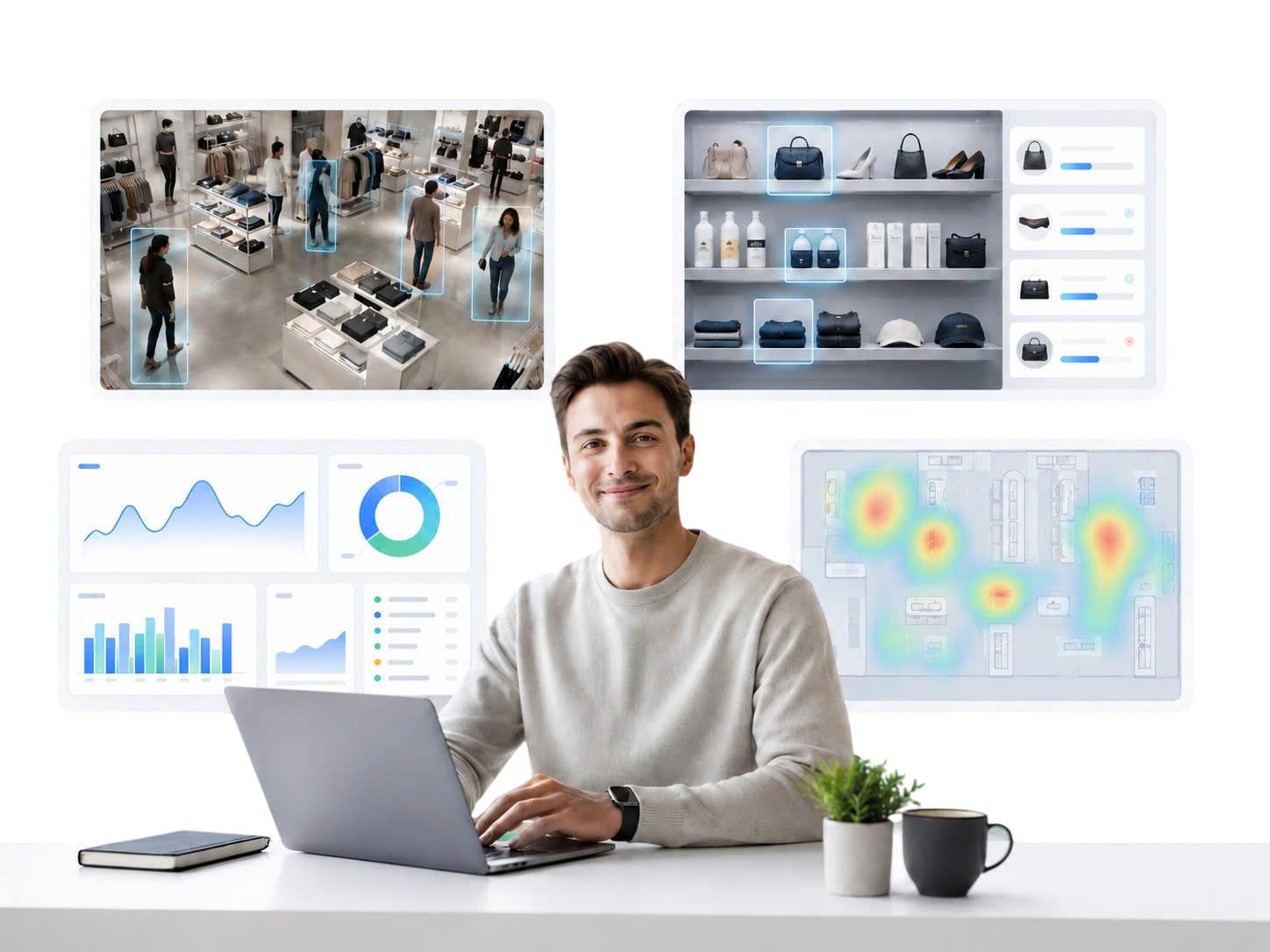
Your cameras stop being recorders and become an operations data source working 24/7
Alerts arrive with the exact clip, not hours of footage to scrub through
Low monthly running cost, with a team that keeps tuning it alongside you
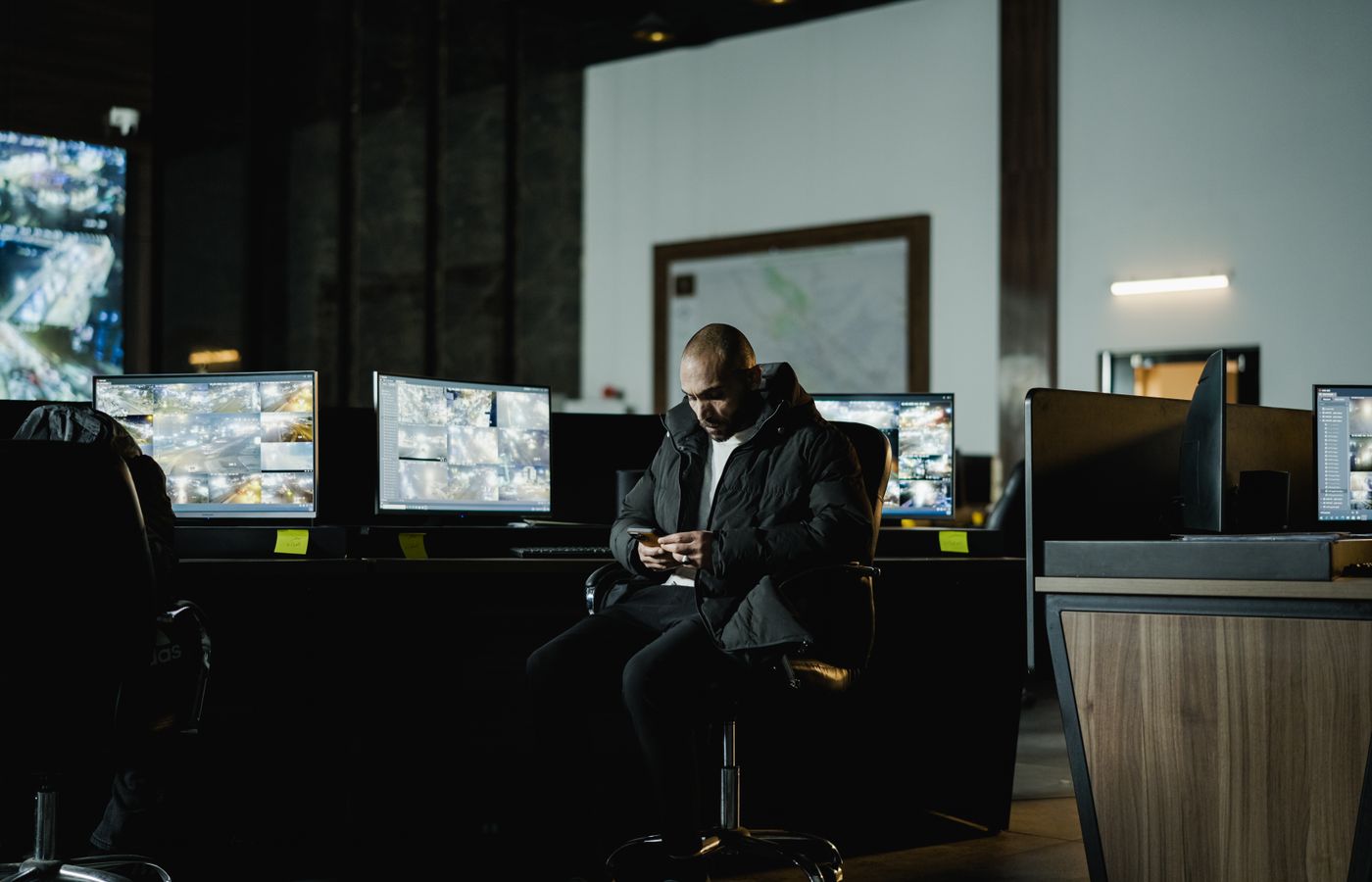
Cameras record everything. Nobody watches any of it.
An eight-camera store produces close to 200 hours of video a day. All of it sits idle and only gets opened after something goes wrong — which means after the loss has already happened.
Cash loss surfaces far too late
Till discrepancies usually show up at end-of-shift count, when nobody remembers exactly who was at the register and when.
Process is taught, never verified
The SOP is on the wall, but compliance depends on whether a manager happens to be standing there.
Long waits go unnoticed
By the time a customer walks out or leaves a one-star review, you have already lost them.
Footage review eats hours every week
Finding a 30-second incident inside eight hours of video is work no manager wants to do.
Four things Vision Guard does for you, every day
Not a long feature list. These are the four most time-consuming parts of running a store — handled continuously, with no shift skipped.
Cash-handling loss detection
Flags unusual activity at the register: concealed cash, drawer opened without a transaction, counting that runs too long. Every alert ships with the clip of the incident.

SOP compliance checks
Turns your SOP into measurable criteria: greeting time, uniform, grooming, opening and closing steps. You see compliance per shift, not per impression.

Wait-time alerts
Measures queueing at the entrance, order counter, and pickup point. When your threshold is crossed, the shift manager is notified — before patience runs out.

Every store on one screen
Consolidates all stores into a single dashboard. Compare branches and shifts to see where to intervene first, instead of spreading attention evenly.
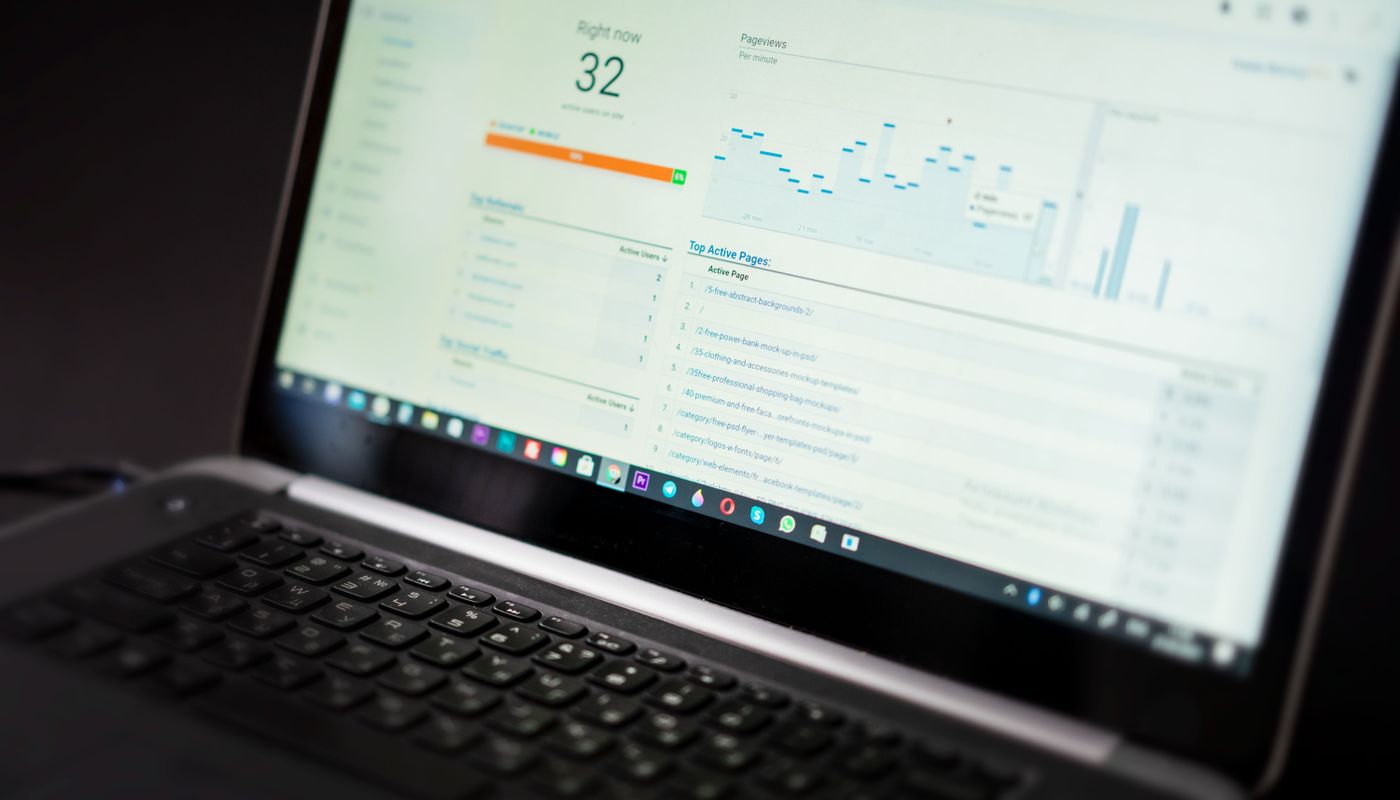
This is what Vision Guard has actually caught
Four real in-store incidents, detected and alerted automatically. Nothing staged, nothing re-cut.
Open it and you know how the store is running
No data-analysis skills required. Everything is laid out the way a store manager reads it — so the next action is obvious.
What needs attention today
Pending alerts, ordered by priority.
Event video library
Every alert carries its clip. Click to watch, no searching.
Shift & branch comparison
See immediately which shift or store is drifting off standard.
Automated reports
Sent daily, weekly, or monthly by email.
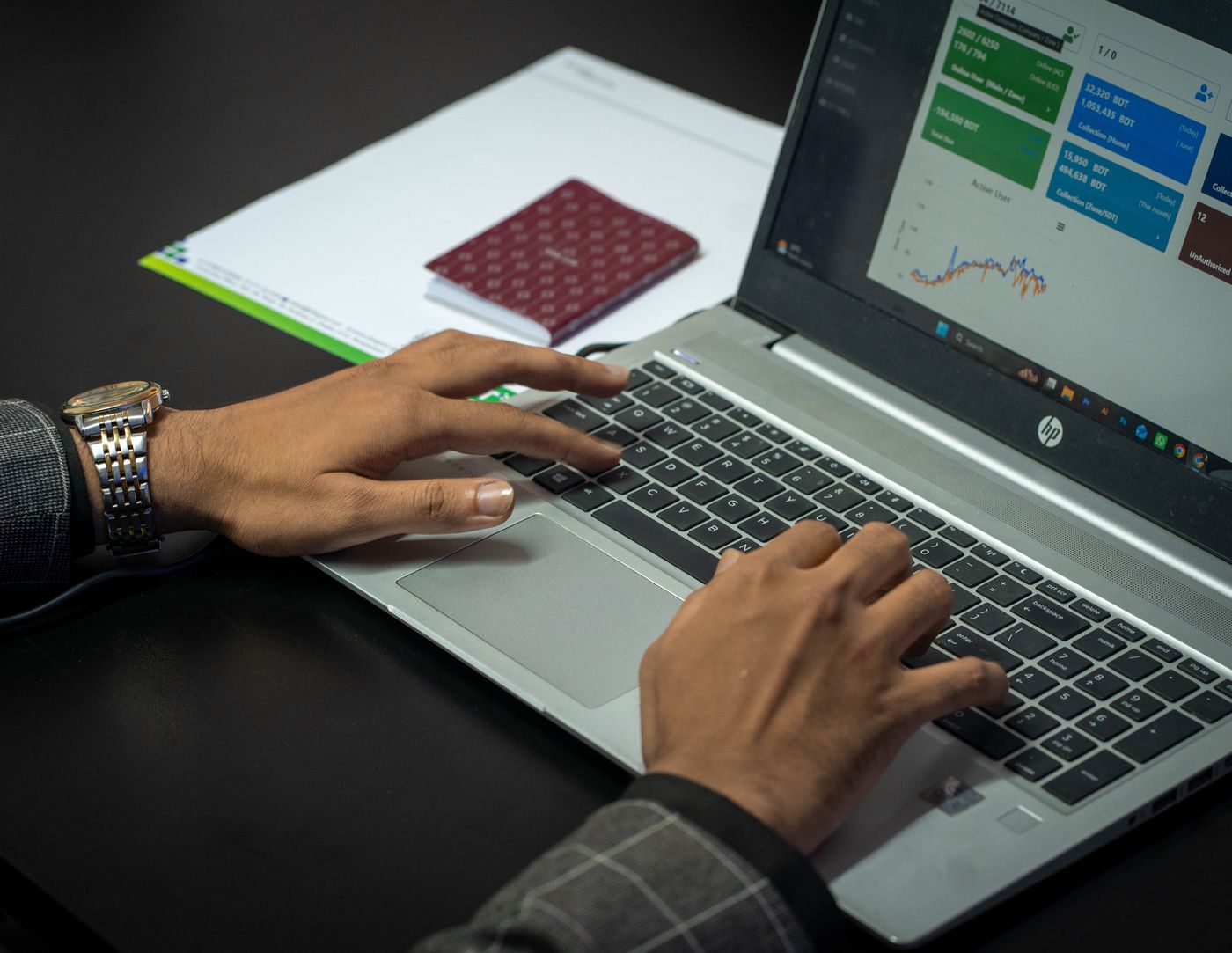
Detection is the start — Vision Guard helps you fix it
An alert only matters when it leads to a concrete change in how the store runs.

Owners & operations
Track every branch without being on site. Know which problems keep recurring and where to act first.
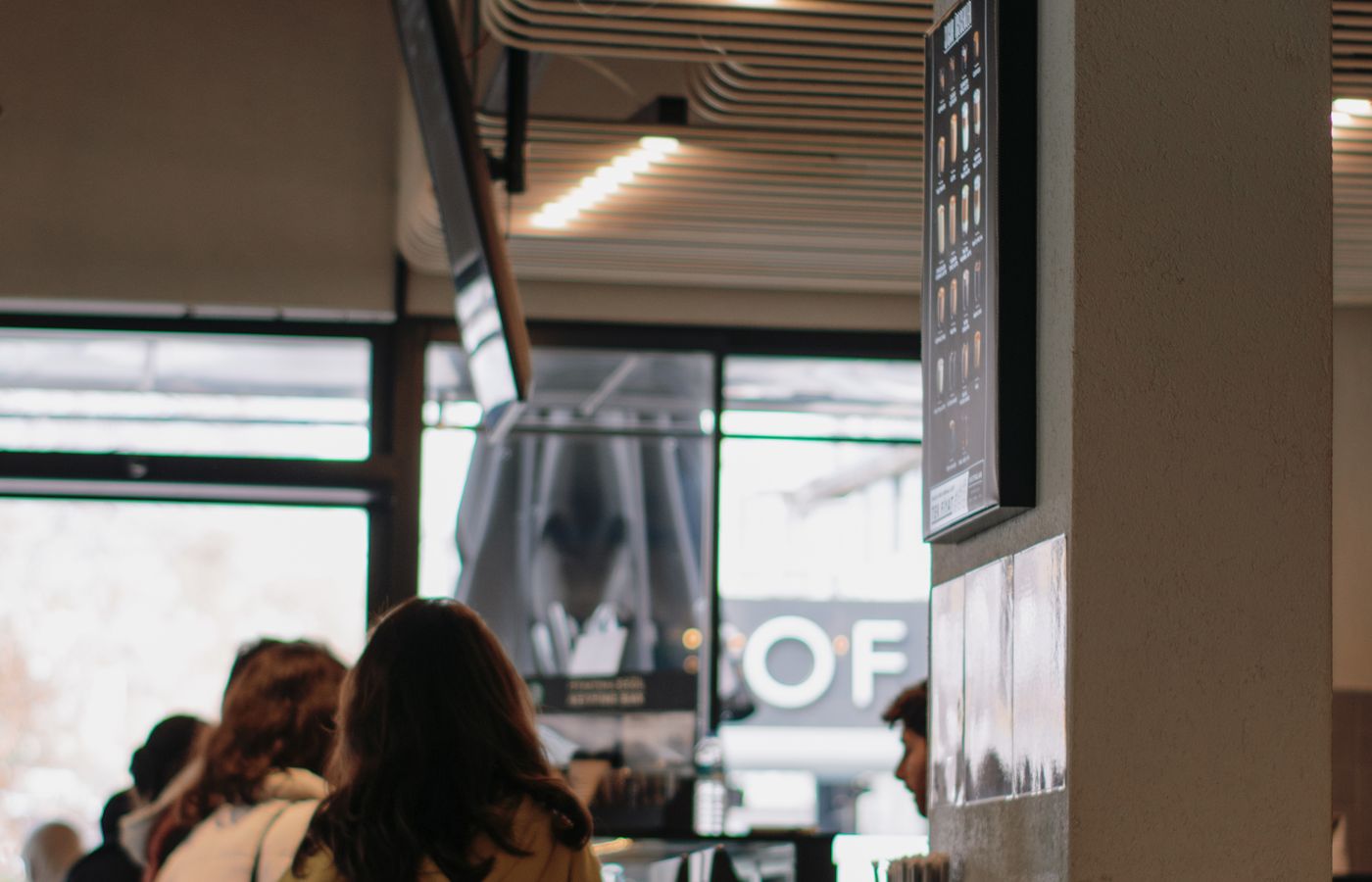
Store managers
Get alerted as it happens. Staff the peak hours from real numbers instead of guesswork.

Training & staff
Use real incidents instead of generic reminders. Feedback is grounded in video — clear and fair.
Four steps to put your cameras to work
From the first survey to a stable running system, a team walks each step with you — and stays with you after handover.
Survey your camera system
We assess placement, angle, and image quality to establish which operational signals each camera can deliver.
Configure around your process
Monitoring zones, criteria, and alert thresholds are set against the SOP your store actually runs.
Run it and get alerts
The system analyzes continuously and routes alerts with video to the right person, on the channel you choose.
Stay tuned, together
The Vision Guard team stays alongside you, recalibrating criteria against real operations and adding new scenarios as they come up.
The monthly cost stays low while the system works every day, without skipping a shift. Preventing a single till loss covers the cost of a whole year.
Get pricing & deployment advice
Privacy & data governance
Vision Guard supports operational review and should not be the sole basis for personnel decisions. Deployment must follow your internal policy and applicable law.
- Role-based access control
- Full access audit trail
- Retention windows you configure
- Encrypted in transit and at rest
- Restricted analysis zones
- Image blurring where required
One price, charged per camera
You pay only for the cameras actually being analyzed. No setup fee, no long-term lock-in, no per-seat charges.
Billed monthly · Cancel anytime
A store with 8 analyzed cameras: $400 per month — far less than what a single till loss costs you.
INCLUDED IN THE PRICE
- Continuous 24/7 AI analysis on your existing cameras
- Alerts delivered with the exact clip of the event
- Multi-branch dashboard, unlimited user accounts
- Automated daily, weekly, or monthly reports
- Camera survey and configuration against your SOP
- A team that keeps tuning it throughout operations
Chains from 20 cameras up have their own pricing. On-site infrastructure costs, where needed, are quoted after the survey.
The questions you are already asking
We survey each position to establish which signals every camera can provide. Most installed systems already qualify for analysis; where an angle or image quality falls short, we say so up front rather than letting you discover it later.
Don't wait for a complaint to start looking for the problem
Book a demo to see Vision Guard running against your own store format.